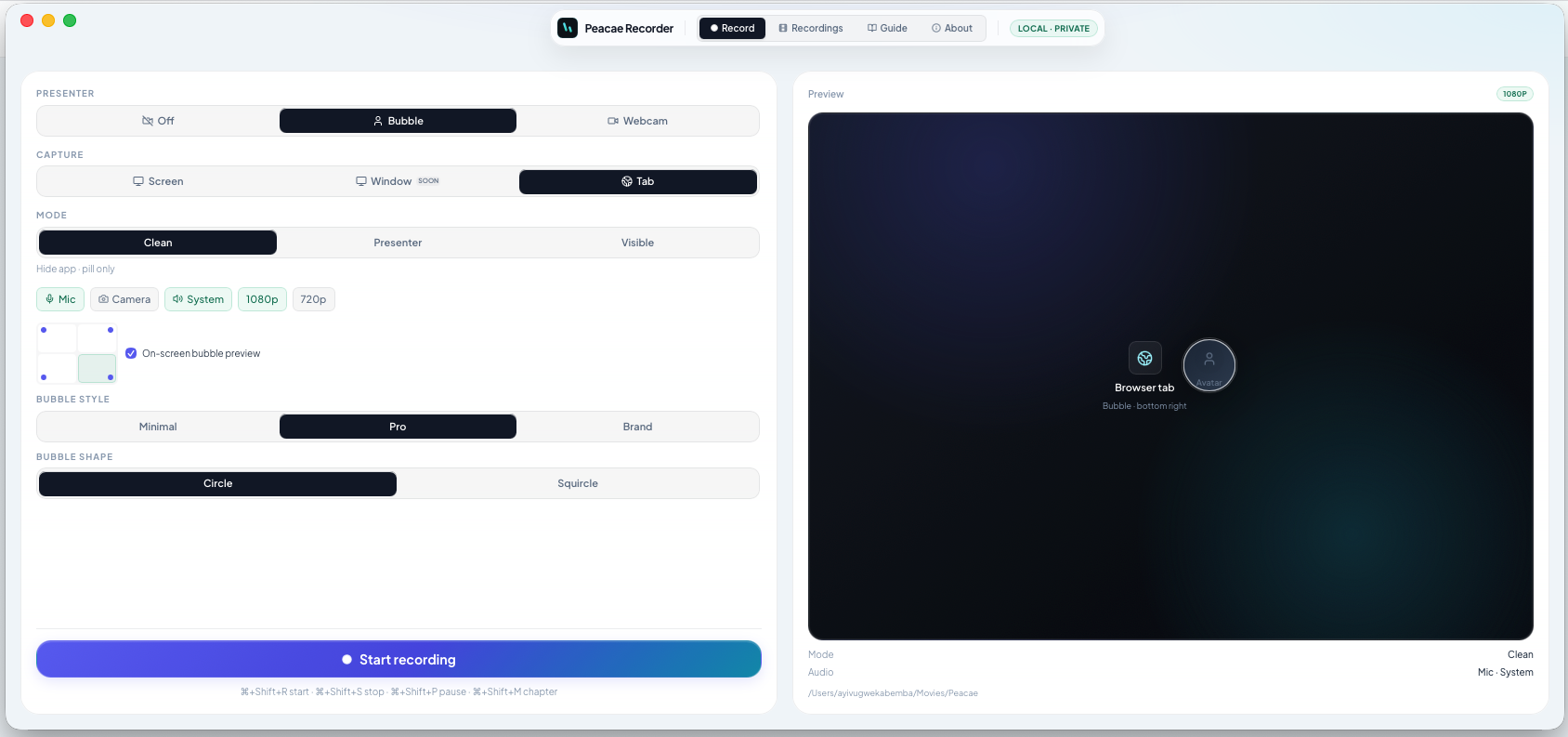
The OhRec mark: a screen, and record
Why the OhRec logo is a video frame with a glowing record disc — a live camera, built for screen recording, not voice notes.
OhRec is a screen recorder first. You capture a display, a window, a tab, or a camera — video you can trim and export without uploading it. The mark should say that in one glance.
A frame, not a waveform
Bars and equalizer shapes read as audio. OhRec records video. The logo is a landscape frame — the screen you are capturing — with a record disc punched through the center. That is the rec button on the display.
A live camera
The glow in the center reads as an active lens. Recording is on. That is the goal of the tool: capture what is happening now — screen, tab, or webcam — on this device, without sending it away.
What stays the same
There is no box around it — just the frame and the disc. The accent is still the same blue. The small header mark and the large blog or About image are the same drawing, just at different sizes.
- Use the large PNG on About, docs, and articles when the mark needs to be seen, not just recognized in a tab.
- The favicon and in-app logo stay the vector version of the same mark.
- OhRec still means Oh! Just Record — screen, tab, or webcam, on this device.
How to record voice on a Mac with OhRec
Capture your voice, what the Mac is playing, or both — locally, without an account or an upload.

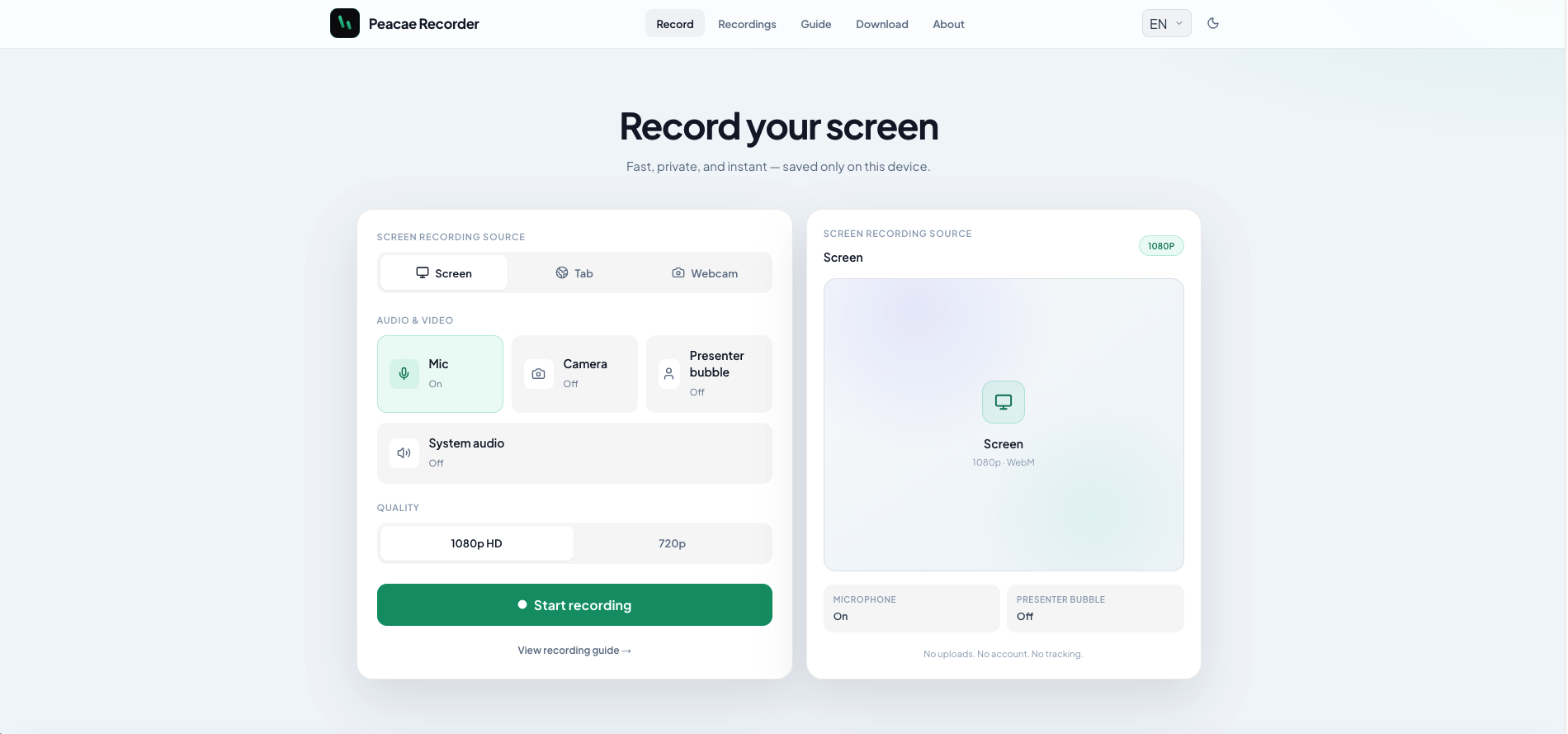
How to record your screen privately in the browser
A quick walkthrough of the web recorder setup: sources, audio, quality, and what stays on your device.
Presenter bubble styles and shapes explained
Style your on-screen presenter bubble before you record — position, preview, theme, and shape.